Quick answer
Open a person from the People page and set their Annual allowance in days. You set the figure yourself; Book Time Off then tracks days used and days remaining as leave is booked.
Find it under
Open the person on the People page
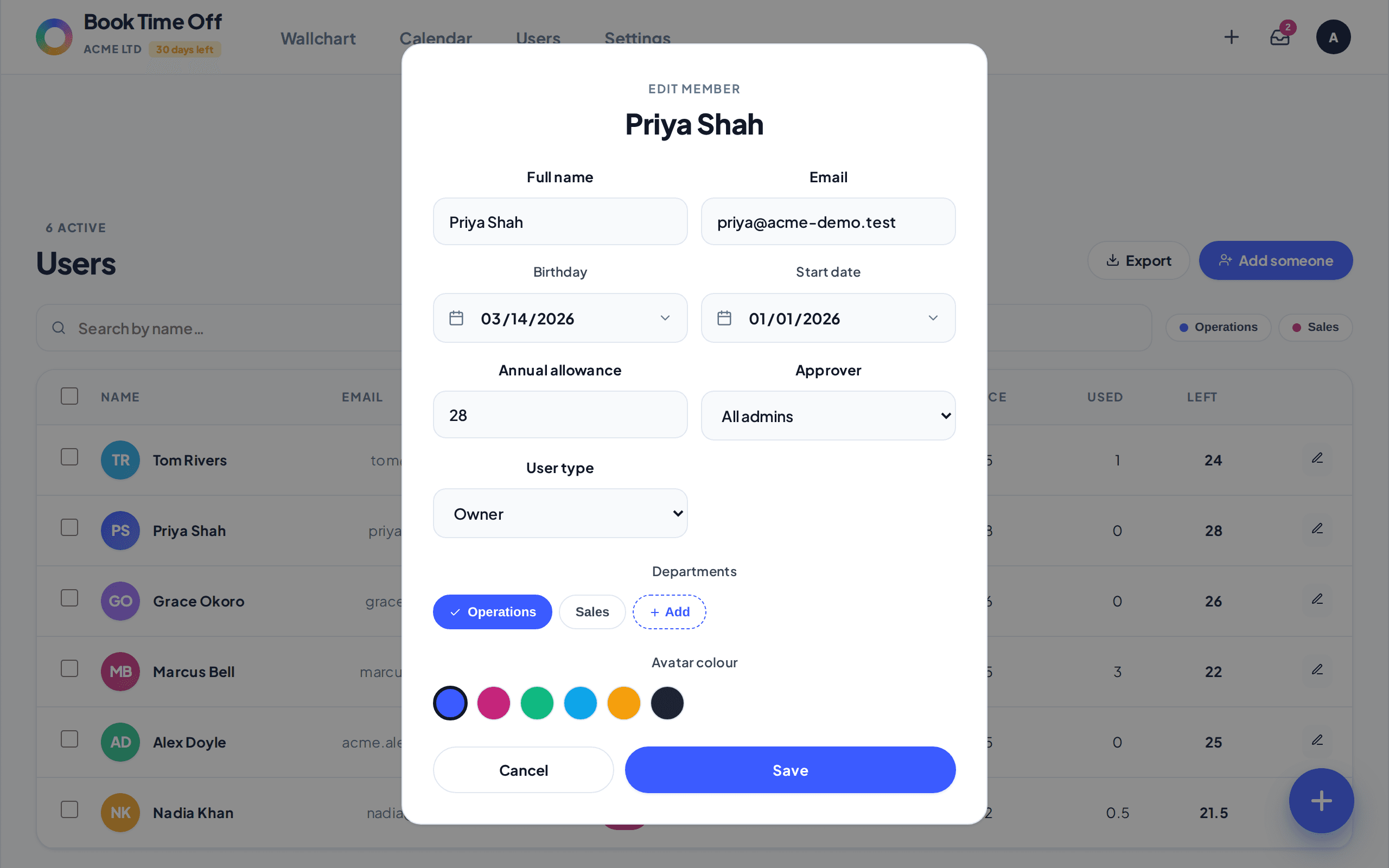
Go to People and click the pencil icon on the person’s row to open their details.
Set the Annual allowance
In the Annual allowance field, enter the number of days they are entitled to (you can use half days, for example 22.5). Click Save. The Used and Left figures on the People page update as leave is booked.
Book Time Off does not calculate entitlement for you
There is no day-by-day accrual and no automatic pro-rata. You set the agreed number. To work out the figure first, use the annual leave entitlement calculator or, for part-timers, the part-time holiday calculator.