Quick answer
Choose your bank holiday region and the matching UK bank holidays appear on the calendar with a blue BH tag. They are pulled from the GOV.UK feed and are never taken off anyone’s allowance.
Find it under
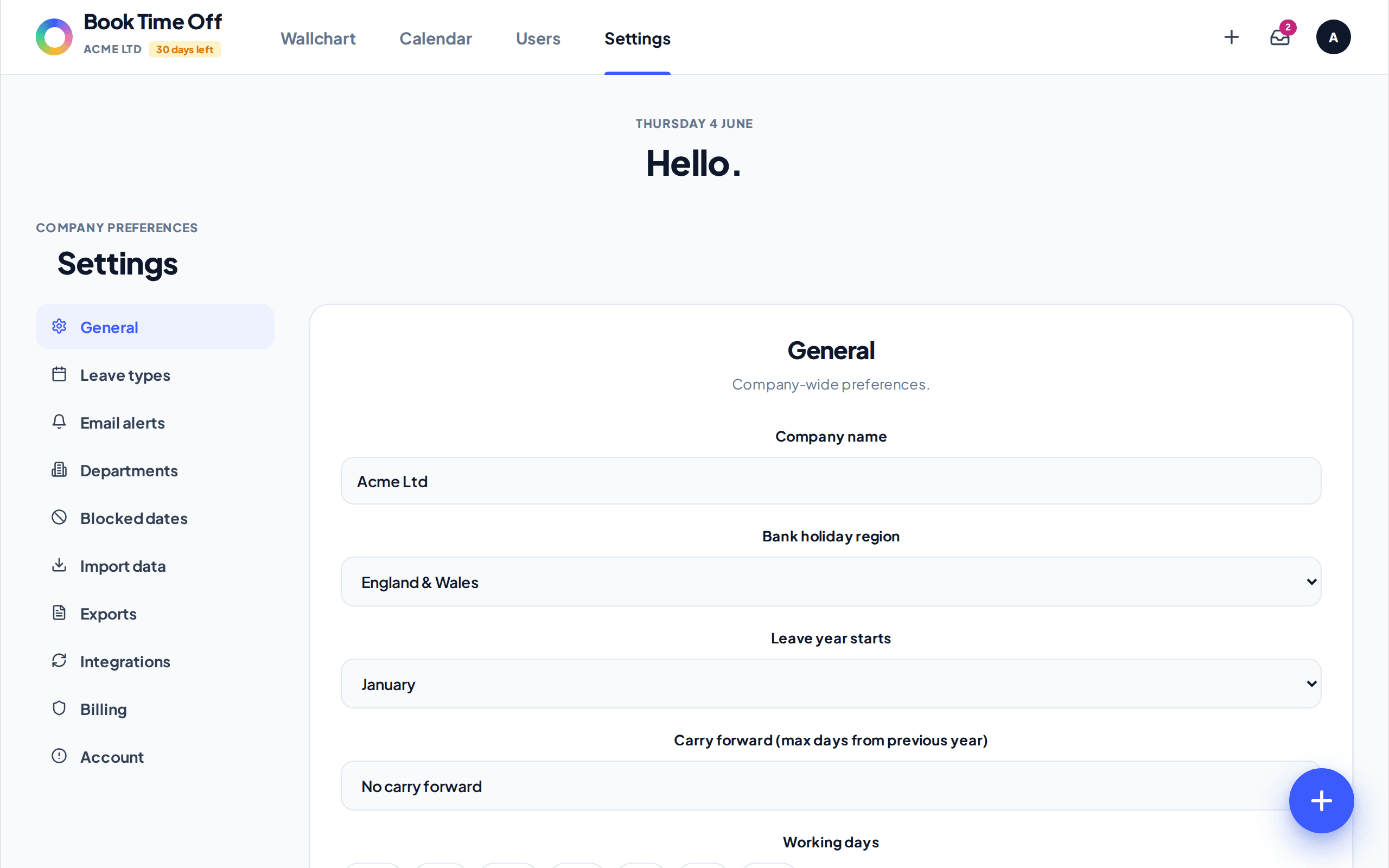
Open General settings
Go to .
Choose your region
Set Bank holiday region to England & Wales, Scotland, Northern Ireland, or No bank holidays. Click Save changes. The dates come straight from GOV.UK, so they stay current automatically.
Bank holidays are never deducted
A bank holiday is shown on the calendar with a BH tag but is never counted against anyone’s allowance. If you want to close on a non-bank-holiday day, use blocked dates instead.