Quick answer
Your For you screen shows your days remaining on the year ring. Use Book to request leave, Mine to see your requests, and Calendar or Team view to see who else is off.
Find your way around
The floating dock along the bottom is your menu: For you is your home with your days remaining, Team shows who is off, the centre + books leave, Mine lists your own requests, and You opens your settings. The full calendar lives under You › Calendar.
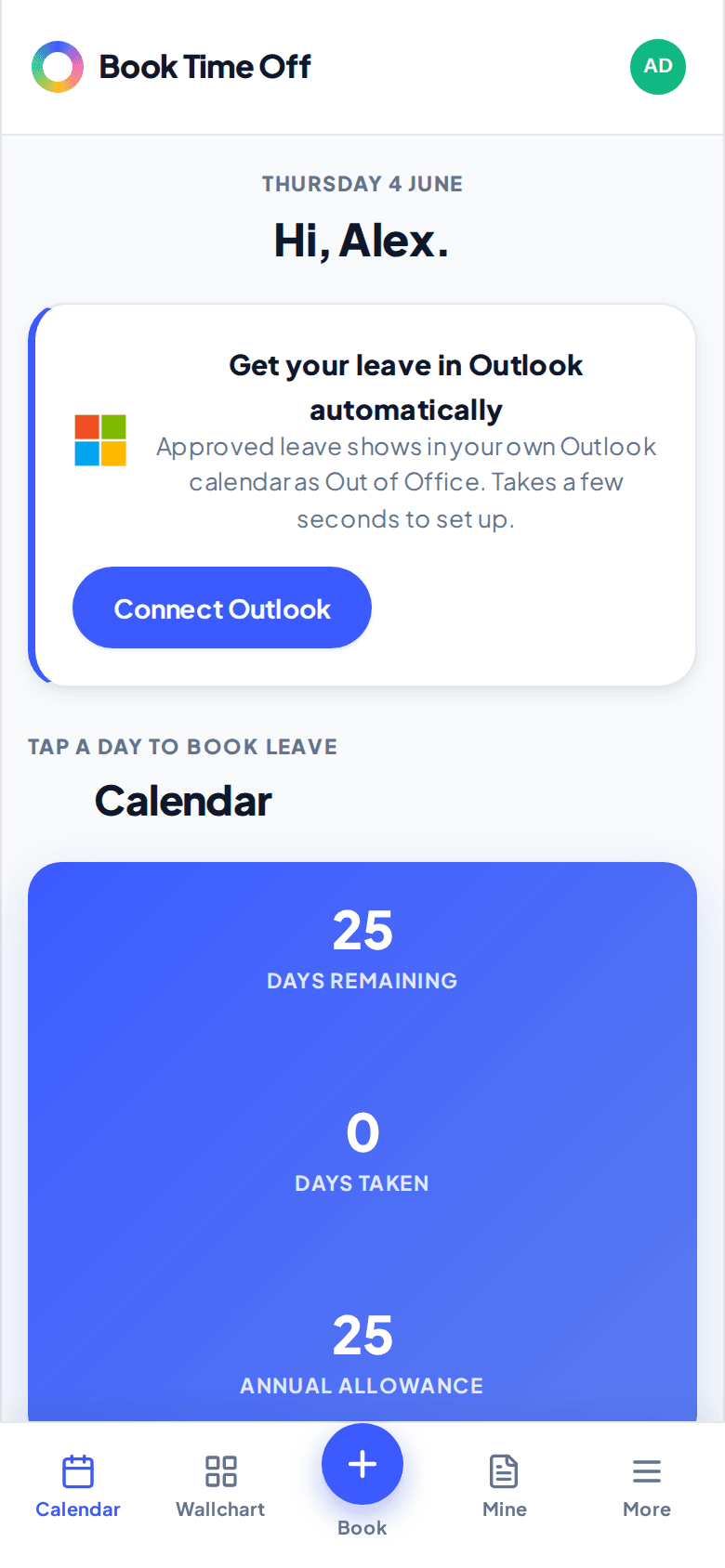
Get your leave in Outlook
If you use Outlook, tap Connect Outlook so your approved leave shows in your own calendar as Out of Office. It only adds your leave; it does not read your calendar.