Quick answer
Tap Book, choose the type and your dates, add an optional note, and tap the Request button. Your approver gets an email, and you are notified when it is decided.
Find it under
Open the request form
Tap Book in the dock at the bottom of the screen. Choose the leave Type, such as Holiday.
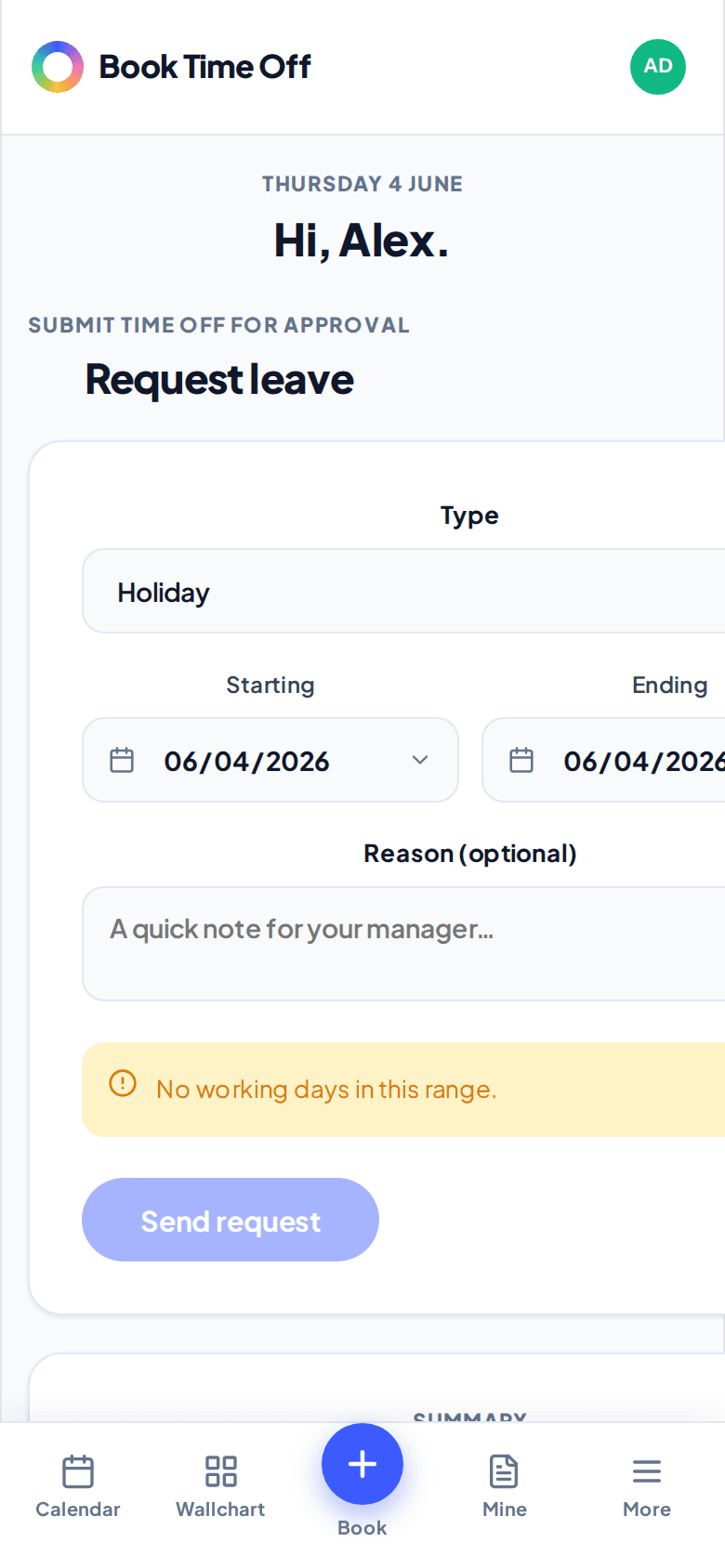
Pick your dates and send
Set Starts and Ends, add an optional note for your manager, and tap the Request button. For a single day you can choose a morning or afternoon half day. Weekends and non-working days are not counted.
You cannot book dates in the past
If leave already happened, ask an admin to add it for you. You can book any working day from today onwards.
Book from Google Chat too
If your company uses Google Chat, you can book leave without leaving Chat: message the Book Time Off app, choose book, and fill in the short form. See Use Book Time Off in Google Chat.