Quick answer
Open Mine, find the request, and choose Delete this leave. Cancelling gives the days back. To change the dates, cancel and book again.
Find it under
Open My requests
Tap Mine in the dock at the bottom of the screen to see your requests.
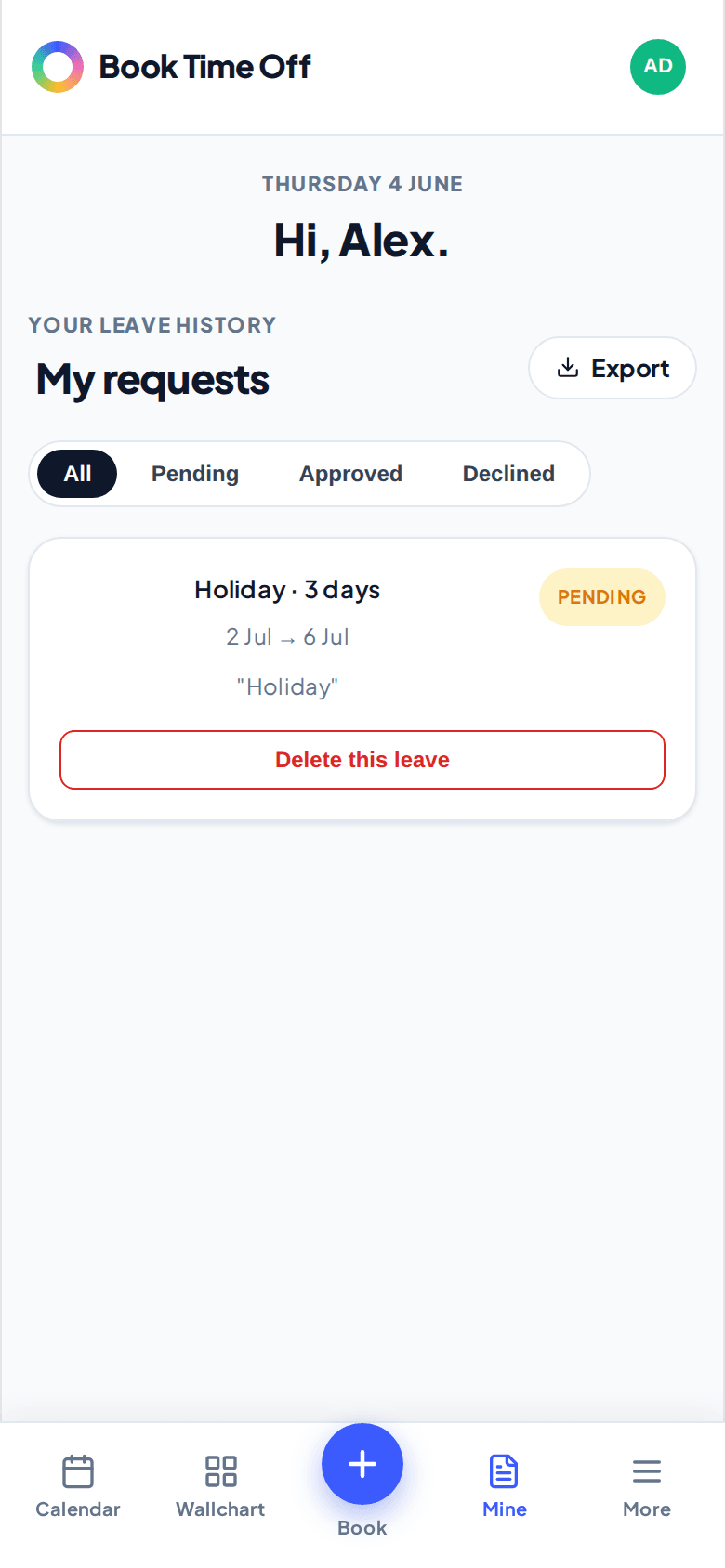
Cancel it
Choose Delete this leave on the request. The days go back to your allowance. To change the dates, cancel it and book the new dates.
What you can cancel
You can cancel your own pending or upcoming leave. For leave that has already passed, or anyone else’s, ask an admin.