Quick answer
On the sign-in screen, choose Forgot password?, enter your email, and we send an 8-digit code. Enter the code and choose a new password.
Find it under
Choose Forgot password
On the sign-in screen, choose Forgot password?. Enter your email and choose Send code.
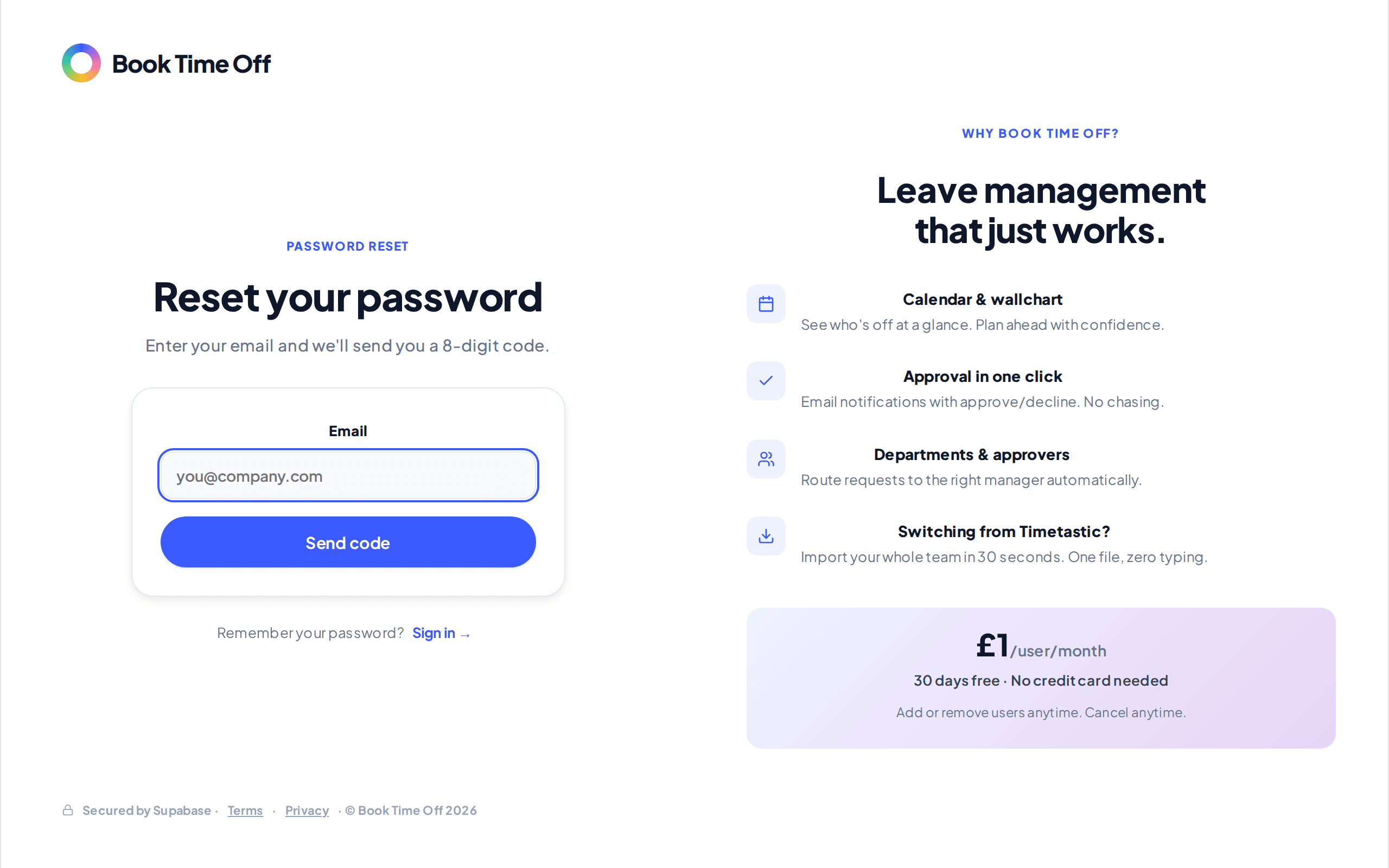
Enter the code and a new password
Check your inbox for the 8-digit code, enter it, then set and confirm a new password with Set new password. You are signed straight in.
Signed up with Microsoft?
If you use your Microsoft account to sign in, you do not have a password to reset. Use Sign in with Microsoft instead.