Quick answer
Connect Outlook from the You sheet (tap your avatar) or Settings, Integrations. Your approved leave is then added to your own Outlook calendar as Out of Office. It only adds your leave; it does not read your calendar.
Find it under
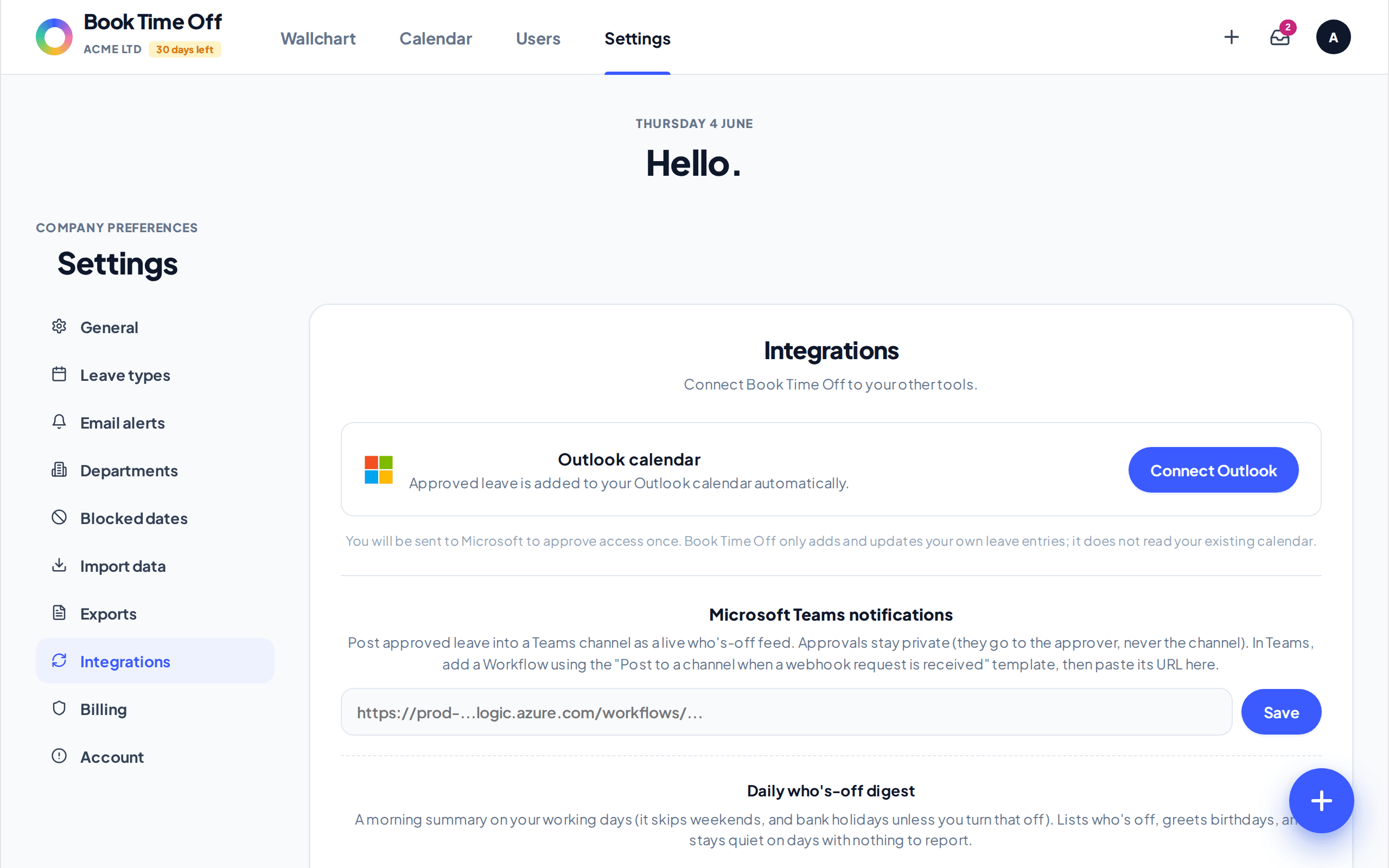
Open Integrations
Go to . You can also connect from the You sheet (tap your avatar in the top corner).
Connect Outlook
Choose Connect Outlook and approve access once. After that your approved leave syncs automatically. Use Sync now to refresh, or Disconnect to stop.
It only adds your own leave
Book Time Off adds and updates your own leave as Out of Office entries. It does not read or change anything else in your calendar. Each person connects their own Outlook.