Quick answer
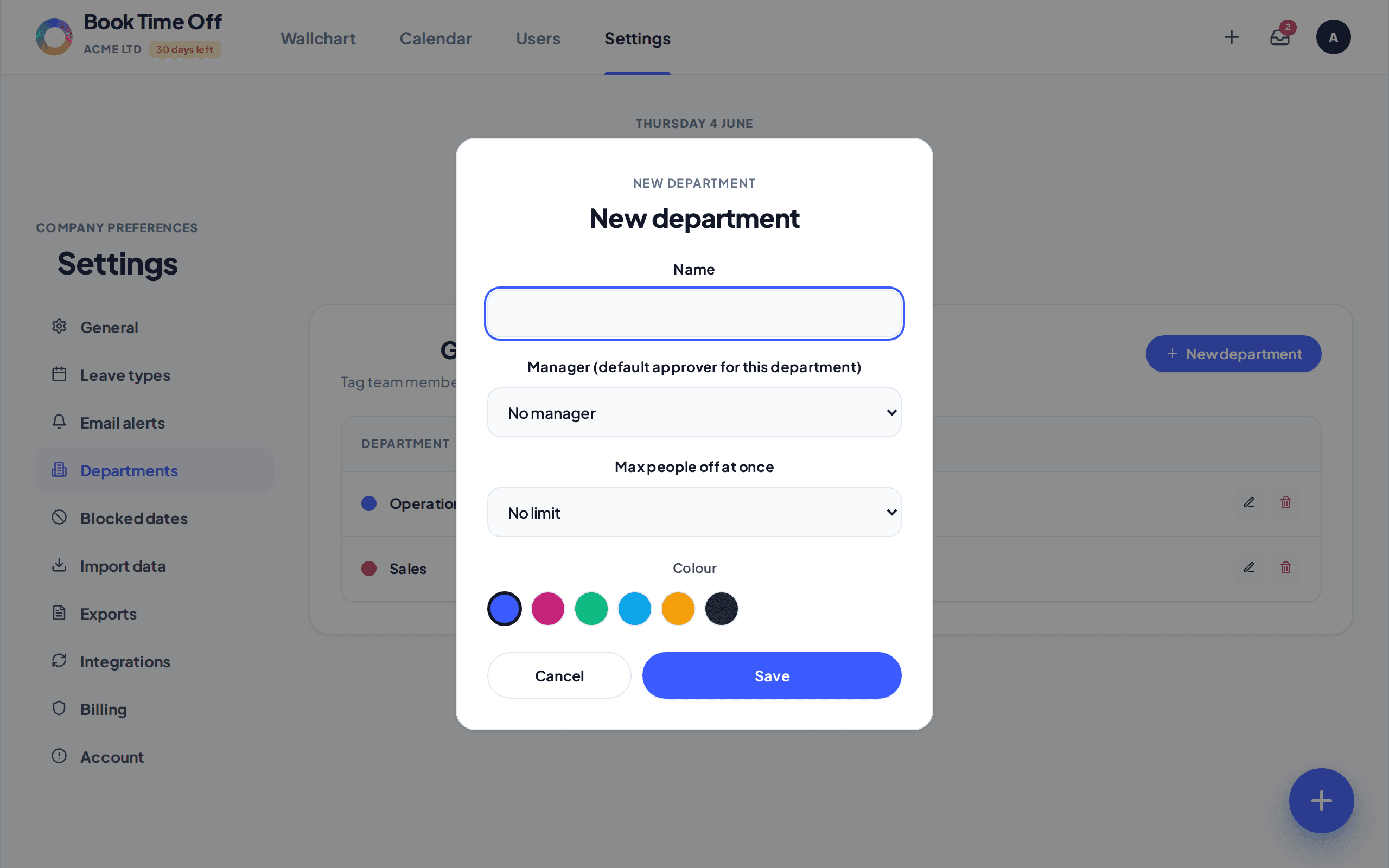
Each department can have a Max people off at once limit. When a booking would take the team below cover, Book Time Off warns before it is approved. Set it on the department.
Find it under
Open the department
Go to and choose New department, or open an existing one to edit it.
Set Max people off at once
Set Max people off at once to a number (1 to 10) or leave it as No limit. Click Save.
It warns at booking time
When a request would push a department over the limit, the booker sees a warning. Staff are blocked; admins can override when it is genuinely needed.
See clashes first
The Team view is the quickest way to spot who is already off before approving more. See The Team view explained.