Quick answer
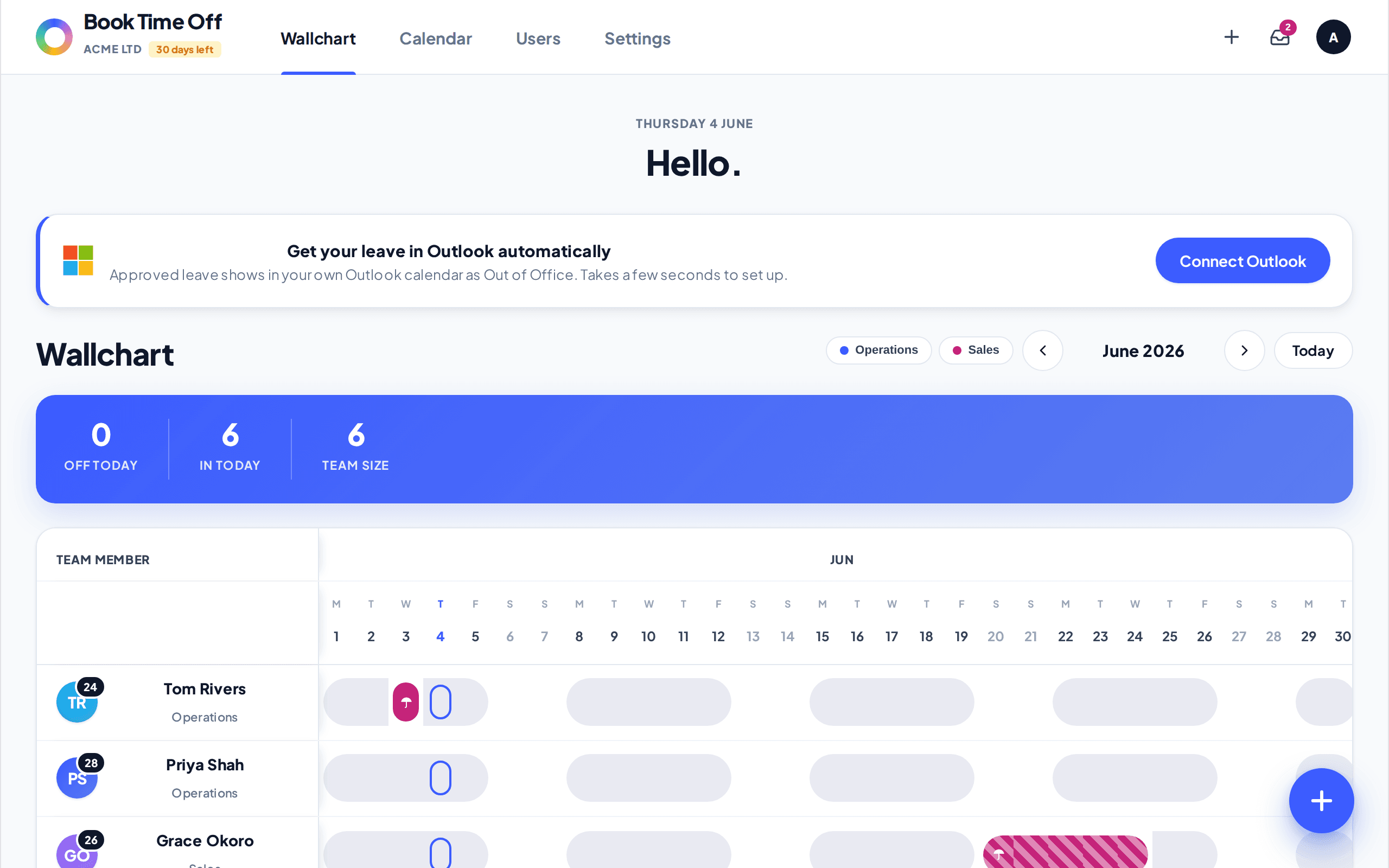
The Team view shows one row per person across the month, so you can scan who is off at a glance. The days each person has left sit in the Left column on the right, and leave shows as a bar in that person's own colour · pending requests are amber outlines.
Find it under
What you are looking at
The pinned Team member column lists everyone with their days left. Page between months with the arrows. The banner totals who is off today, who is in, and team size.
Best for planning cover
Because every person is a row, the Team view is the quickest way to spot clashes before approving leave. Coloured avatars and pink leave blocks make overlapping time off easy to see.