Quick answer
Download Team members, Leave records and Departments as CSV files. Each is a one-click download you can open in Excel or Google Sheets.
Find it under
Open Exports
Go to . You will see three download buttons.
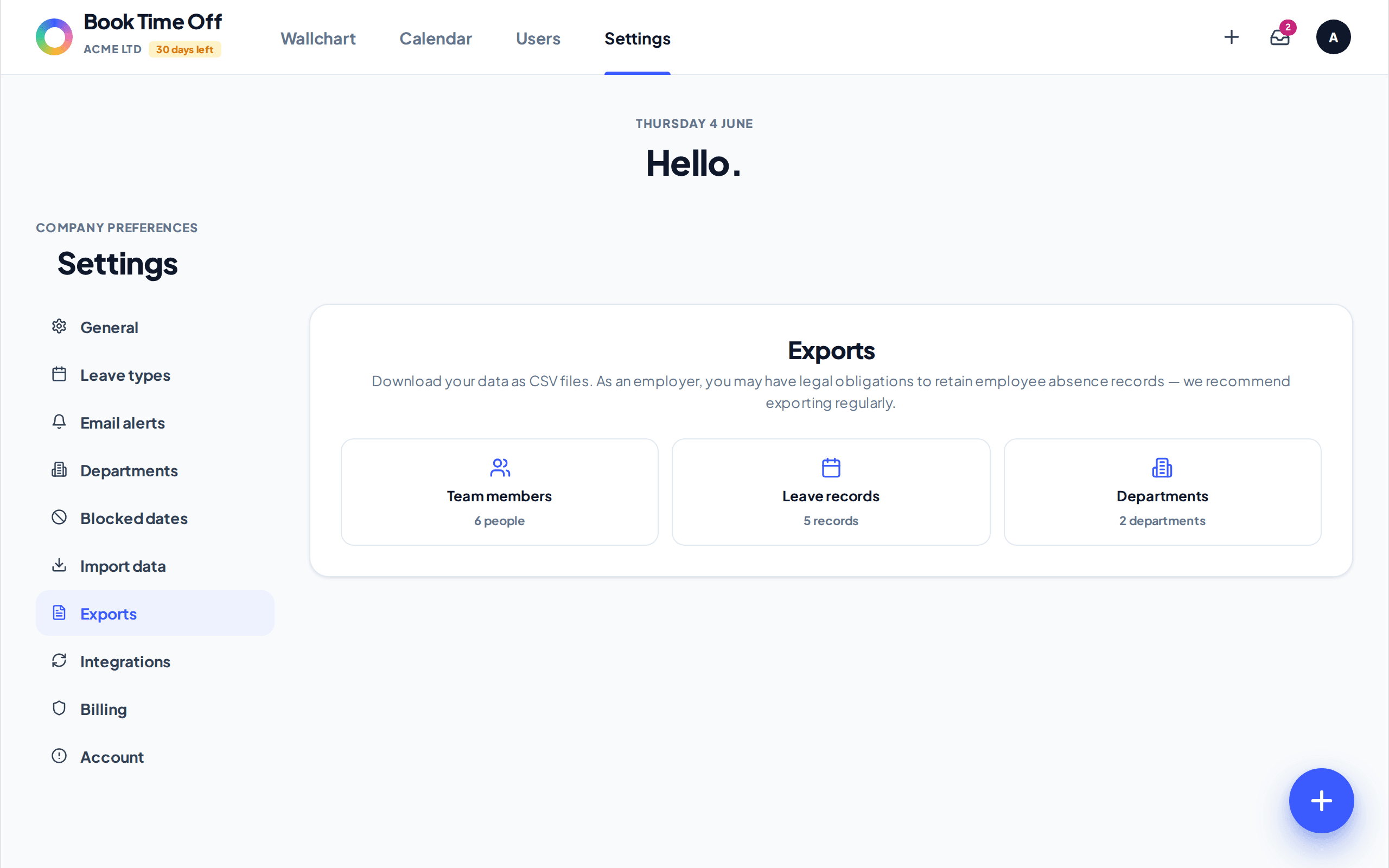
Choose what to download
Team members gives names, emails, departments, allowance, used and remaining days. Leave records gives every request with type, dates, days and status. Departments gives each department with its manager and capacity limit.
Each button downloads a dated CSV straight away. There is also an Export button on the People page for the team list on its own.
Keep a record
As an employer you may have obligations to retain absence records. Exporting now and then gives you a dated snapshot you can file or hand to payroll.