Quick answer
To make balances correct from the start, an admin can record leave that has already happened. Use the Add leave form, pick the past dates, and turn on Skip approval so it is logged as approved and deducted.
Find it under
Open the Add leave form
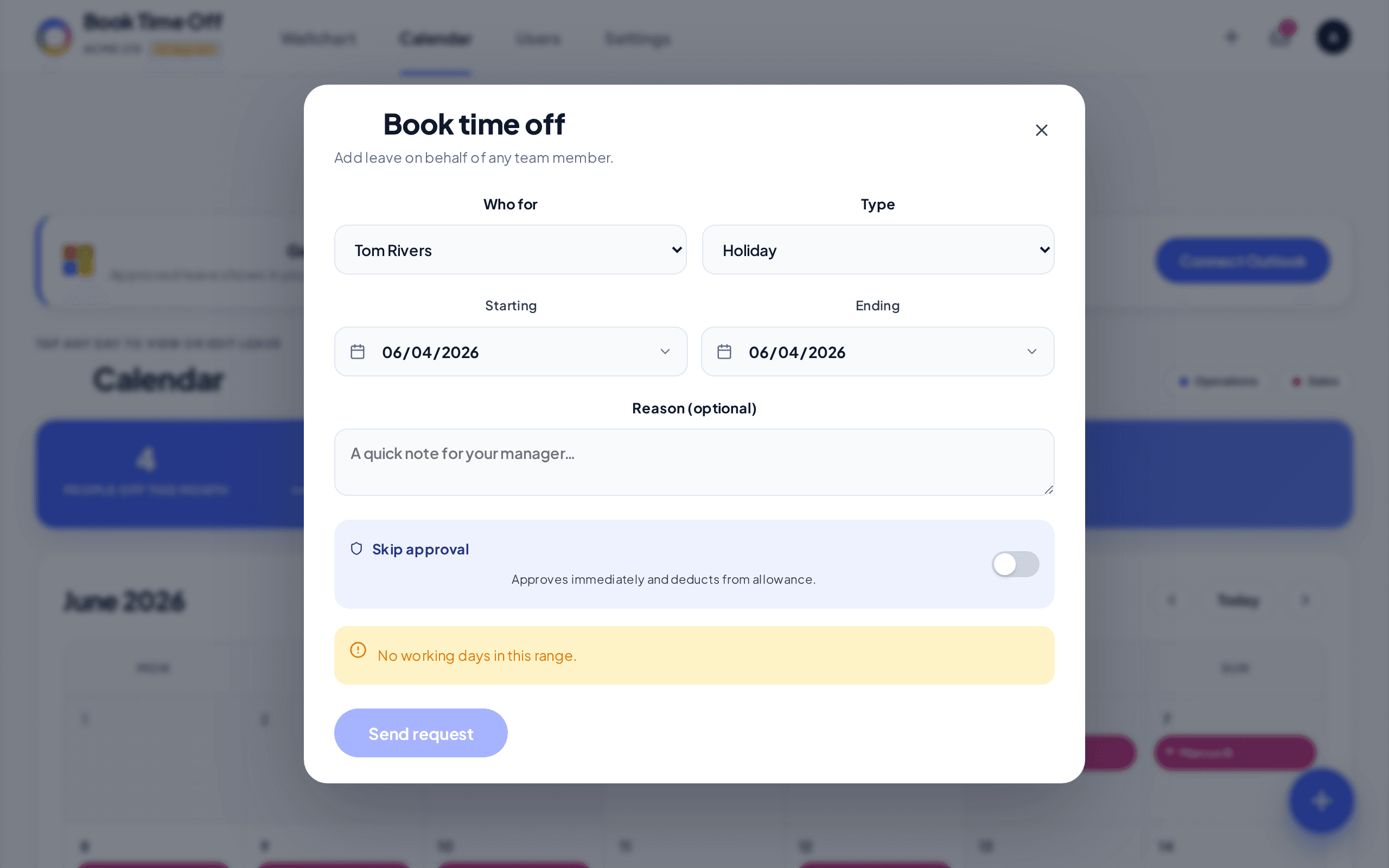
Click the + (Book time off) button in the top bar. Choose Who for and the leave Type.
Pick the past dates and skip approval
Set Starts and Ends to the dates that already happened, turn on Skip approval (approves immediately and deducts from allowance), then choose Add leave.
Admins only
Team members cannot book dates in the past; the app asks them to have an admin add it. Recording historic leave is an admin task.
Moving lots of history?
If you are switching from Timetastic, the importer brings this year’s approved leave across for you, so you do not need to enter it by hand. See Import from Timetastic.