Quick answer
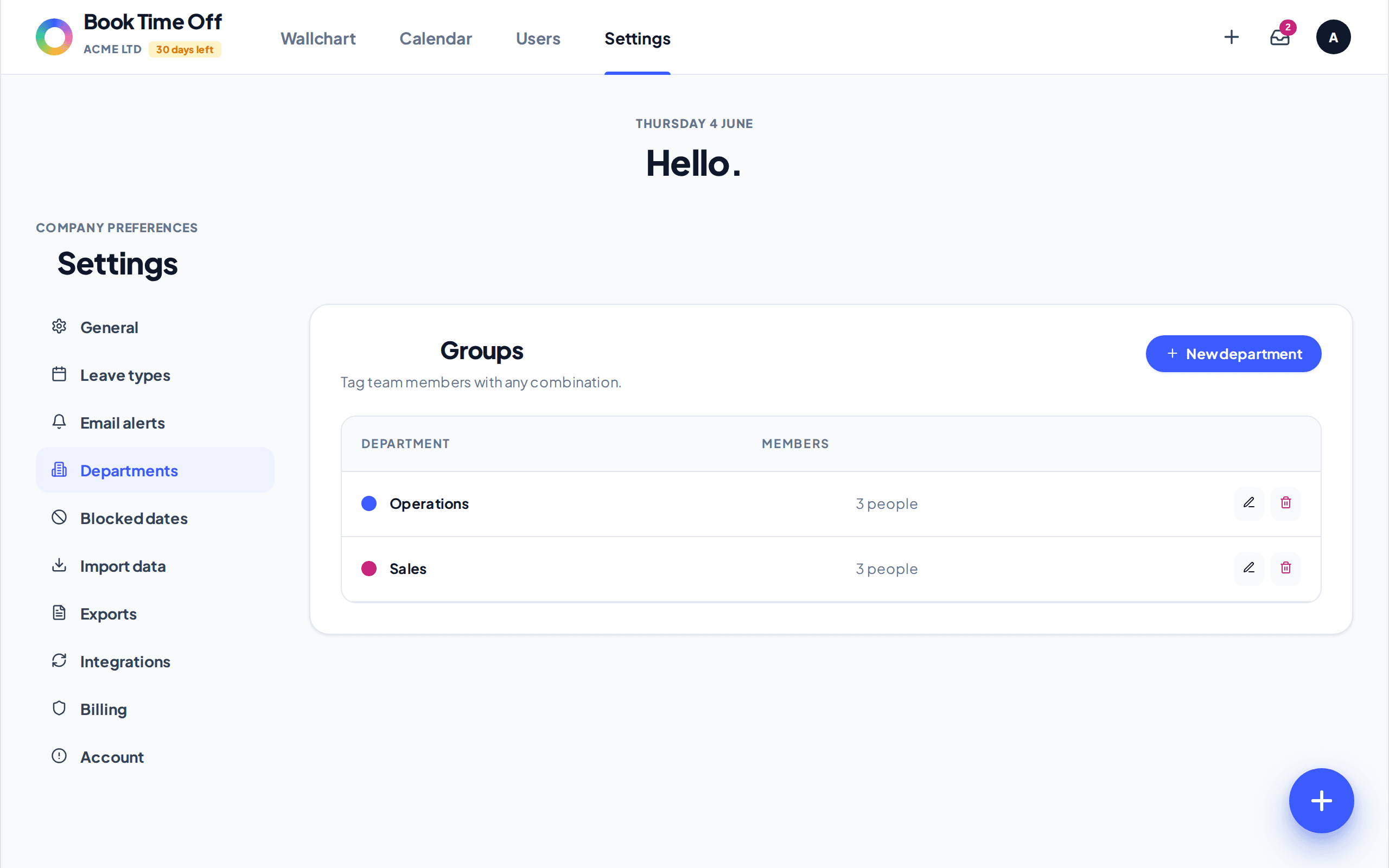
Departments group your team, give each a manager who becomes the default approver, and let you cap how many people can be off at once. Set them up under Settings, Departments.
Find it under
Open Departments
Go to to see your existing departments.
Add a department
Choose New department. Set a Name, pick a Manager (default approver for this department), and set Max people off at once if you want a cover limit. Pick a colour and click Save.
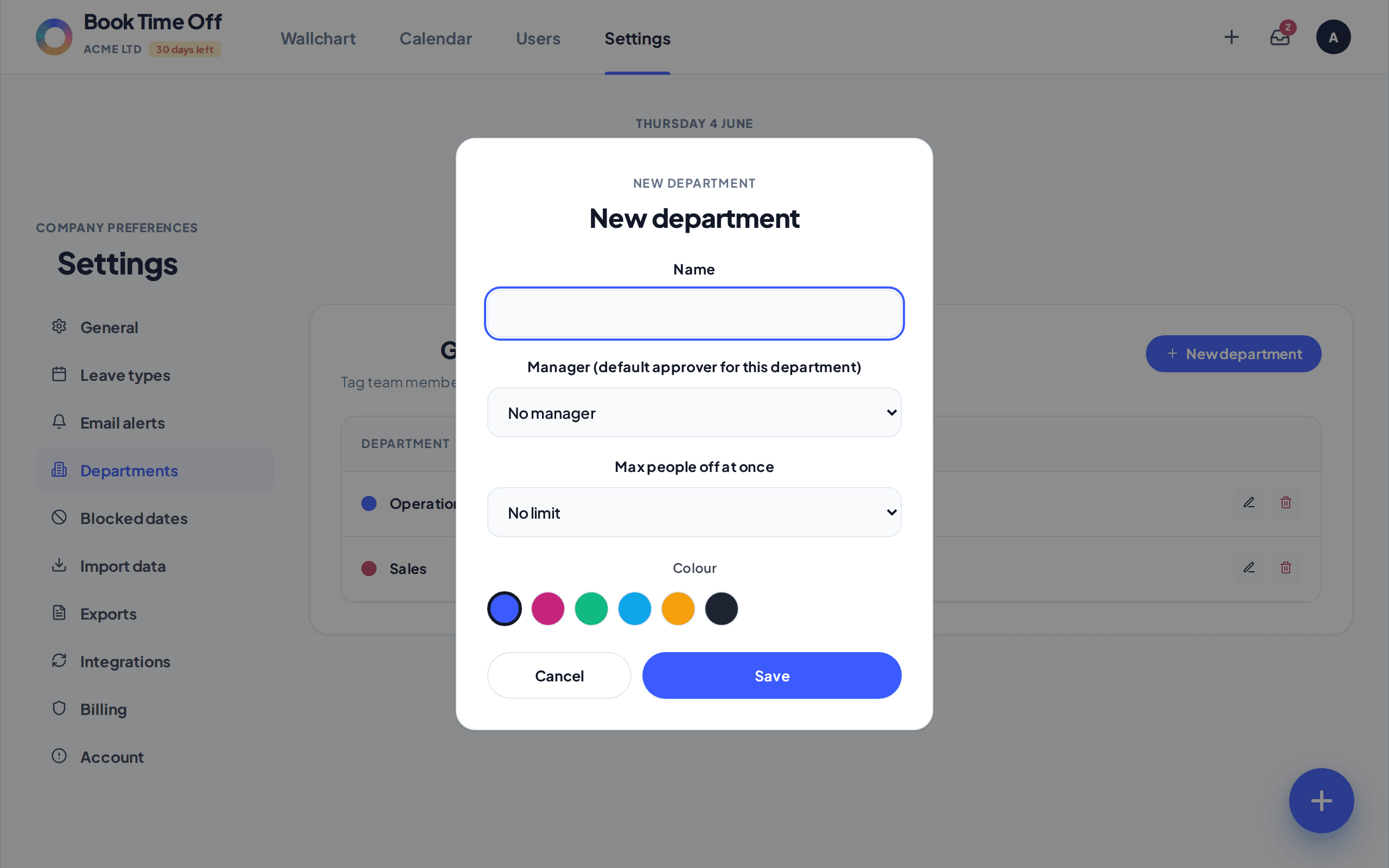
The manager is the default approver
Requests from people in a department go to its manager, unless a person has their own approver set on their record. See Set who approves leave.
Capacity control
Max people off at once warns when a booking would take a department below cover, so clashes are caught before approval. Admins can override when needed.