Quick answer
Leave types are the categories people pick when booking, like Holiday or Sick. Add, rename or remove them to suit your organisation. They are labels on the one allowance, not separate balances.
Find it under
Open Leave types
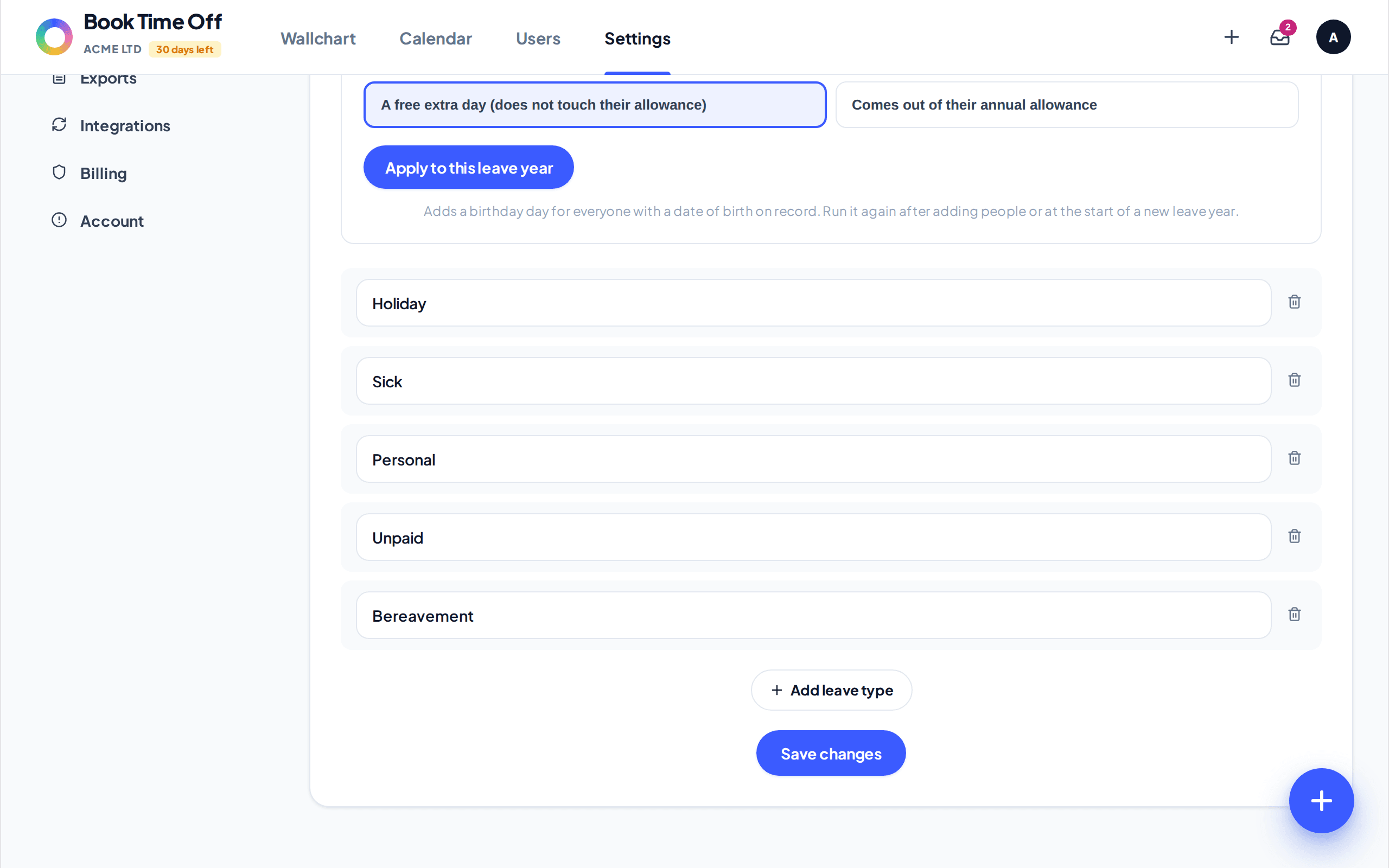
Go to . You will see the list of types your team can request, which starts as Holiday, Sick, Personal, Unpaid and Bereavement.
Add, rename or remove
Edit a name in place, remove one with the bin icon, or choose Add leave type for a new one. Click Save changes when you are done.
Leave types are labels, not separate balances
Whatever the type, an approved request comes off the same annual allowance and uses one approval flow. There is no separate sick or unpaid balance to track. Use the type to categorise and report on leave, not to hold its own pot of days.
Birthday leave
The same screen has an optional Birthday leave toggle that gives everyone their birthday off. You can make it a free extra day or have it come out of their allowance.