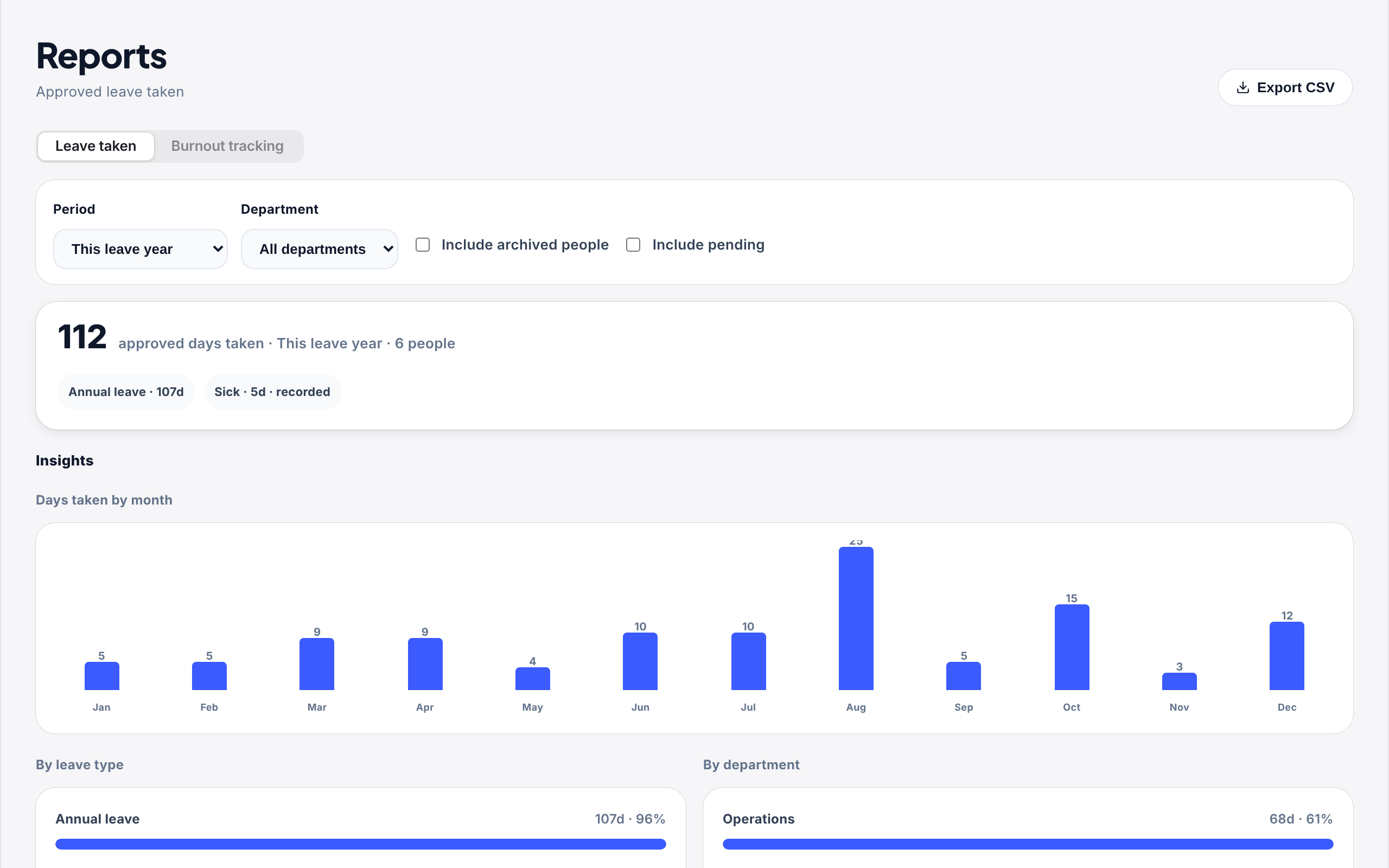
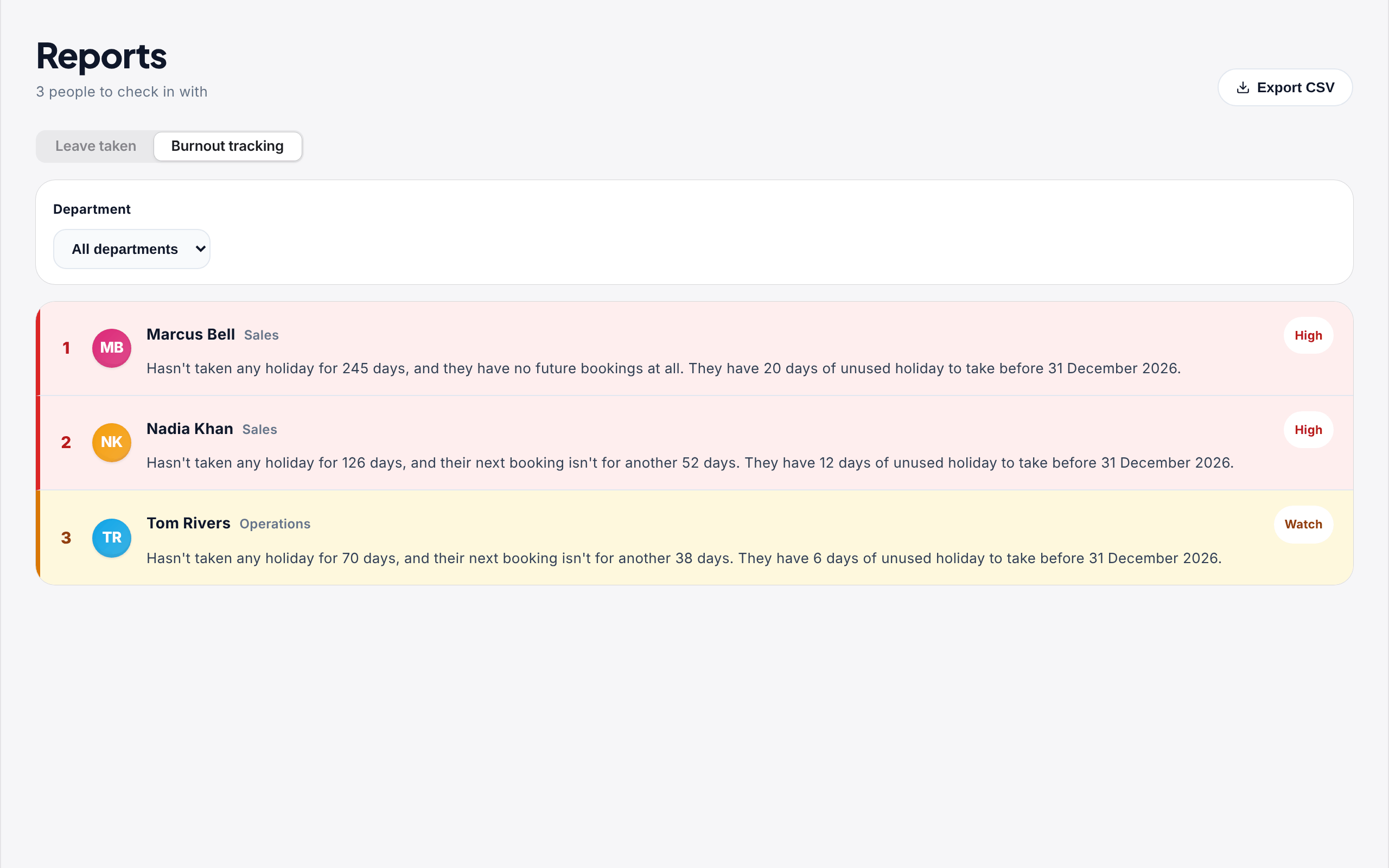
Open Reports. There are two tabs at the top: Leave taken for what your team has taken in a period, and Burnout tracking for who most needs a break right now.
How people are picked
Burnout tracking always looks at today and the current leave year, whatever period the Leave taken tab is set to. It looks at four things for each person:
- Their last real break: holiday of a full day or more. Half days on their own do not count.
- Their next booking: approved or waiting for approval. Something booked in the next month or so counts in their favour; nothing in the next three months counts against them.
- Pace against their allowance: how far behind they are on where you would expect them to be by now, pro-rated for anyone who joined during the year.
- The year-end crunch: in the last three months of the leave year, anyone with a lot of holiday left moves up.
Each person gets a score from 0 to 100. 70 and over is High, 40 to 69 is Watch, and anyone below 40 is not shown. The list updates live, so as soon as someone books time off they move down or drop off.
People in their first 60 days, archived people, anyone with no allowance and anyone on leave today are left out.
Only leave that comes off someone's allowance counts as a break. Sick leave and every other type you record without deducting is ignored, and nothing about anyone's sickness appears in the list, the CSV or the email. In , annual leave is the type that deducts; everything else is recorded only.
The quarterly summary email
Owners and admins get a short email on the first Monday of each quarter of your leave year. For a leave year starting in January that is January, April, July and October, so the last one arrives about three months before the year ends. It lists up to 10 flagged people with the same sentence as the app, and a button that opens the Burnout tracking tab.
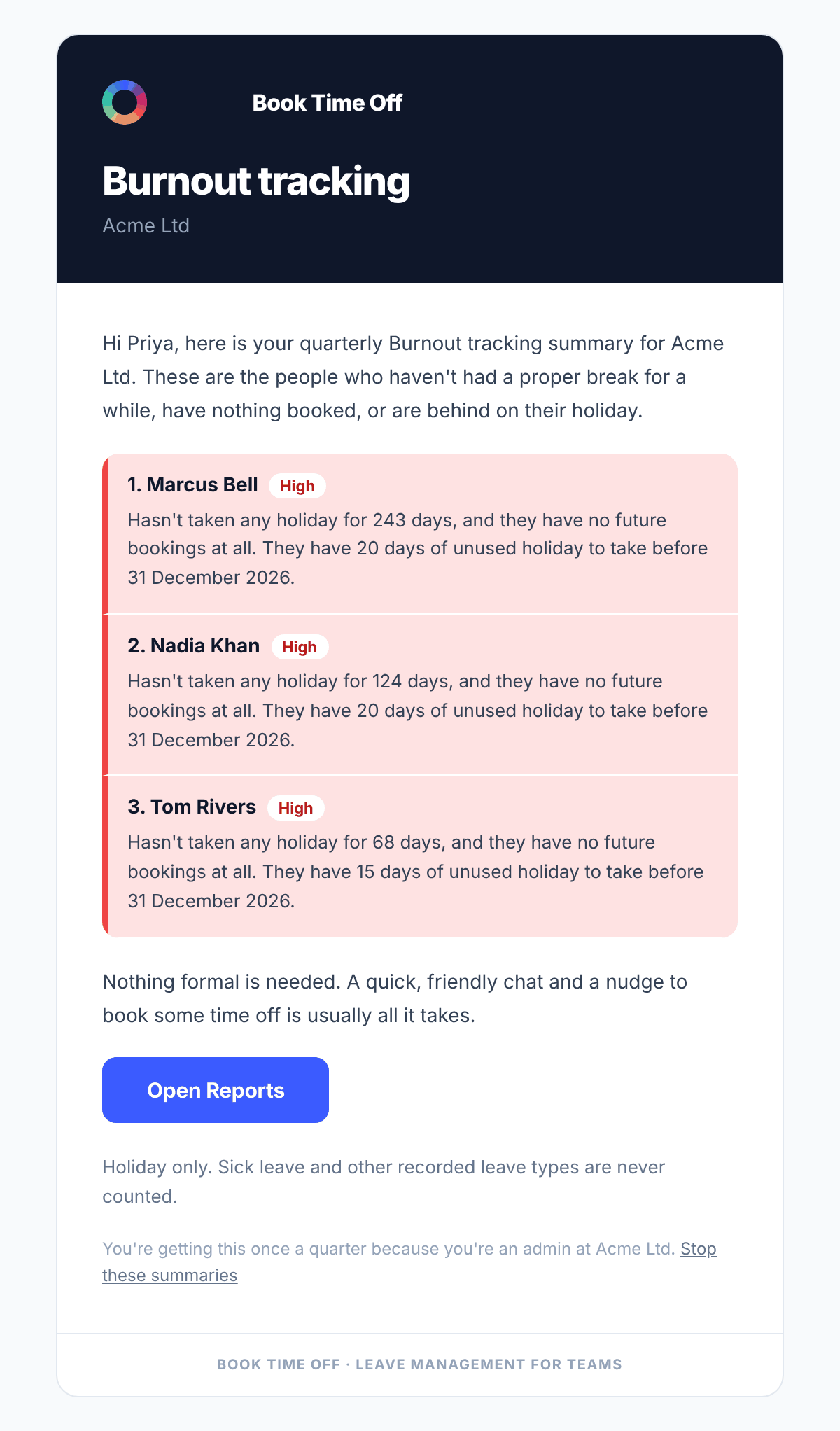
If nobody is flagged, no email is sent. To stop getting it, use Stop these summaries at the bottom of the email. That only stops this email; your other notifications carry on as normal.
Burnout tracking is only on Reports, which only owners and admins can open. Staff are not told they are on the list and never get the summary email. It is there so you can check in with someone, not so anyone feels watched.
Common questions
No. Only leave that comes off someone's allowance counts. Sick, unpaid, compassionate and any other type you record without deducting are ignored completely, so someone who was off sick last month can still be on the list. That is deliberate: being off sick is not a rest.
People in their first 60 days are left out, so they have time to settle in before anyone looks at their holiday. Archived people, anyone with no allowance and anyone on leave today are left out too.
Not at the moment. The rules are the same for every company, so the list means the same thing wherever you see it. If someone is flagged and you know why it is fine, nothing happens until you act.
No. It is only on the Reports page, which only owners and admins can open. Staff are not told they are on the list and do not get the summary email.