Quick answer
Pick which days of the week your company works. Leave is only counted on working days, so weekends and non-working days are never deducted. This is one company-wide setting.
Find it under
Open General settings
Go to . This is where your company-wide preferences live.
Choose your working days
Under Working days, toggle the days your company works (for example Monday to Friday). Click Save changes. Leave booked on a non-working day is never deducted.
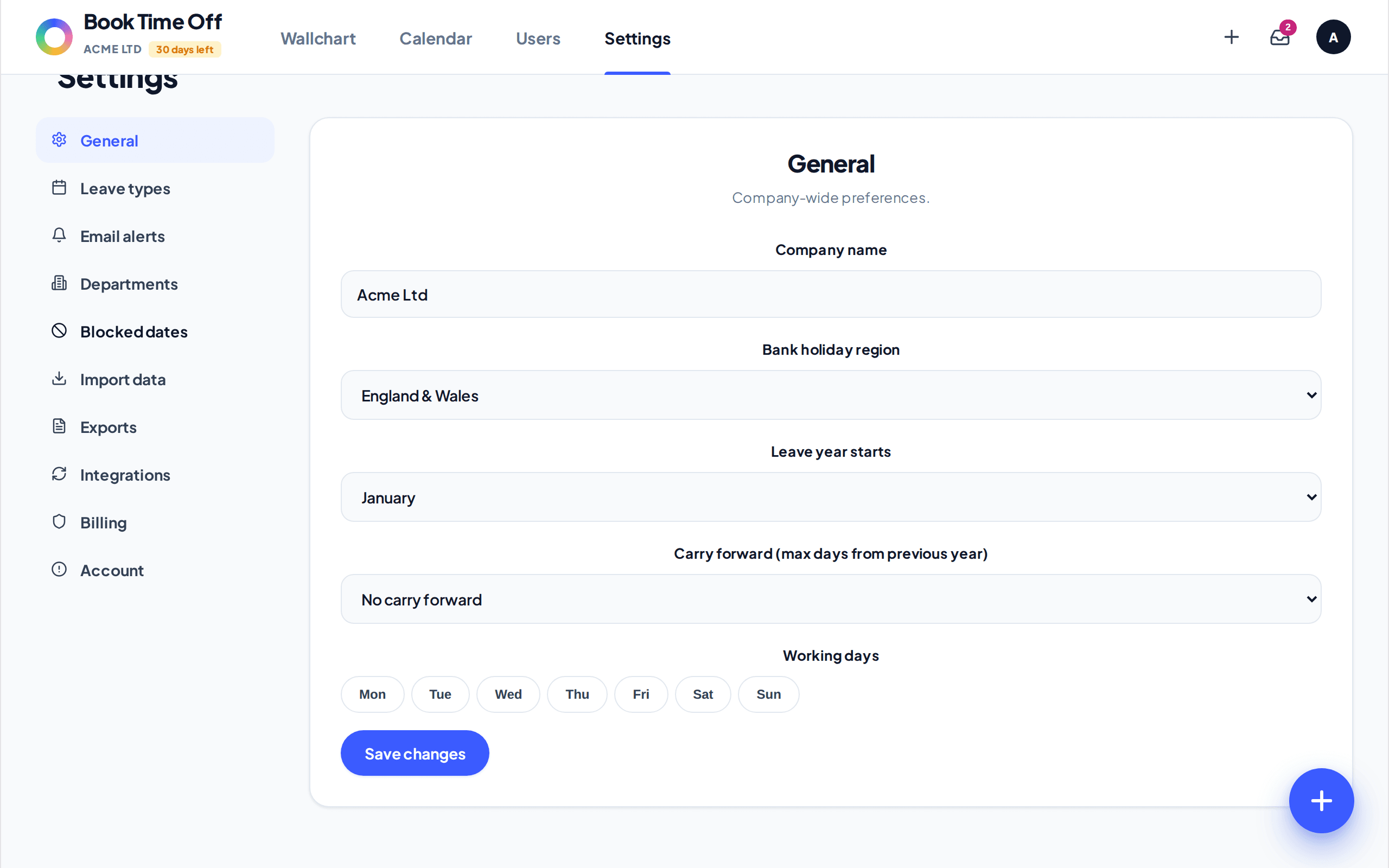
The working week is company-wide
There is one working-week setting for the whole company. Book Time Off does not store a separate working pattern for each person. If someone works part time, set their annual allowance to the pro-rata number of days instead.
Need the pro-rata maths?
Book Time Off does not work out pro-rata for you. Use the to get the figure, then set it as the person’s allowance.